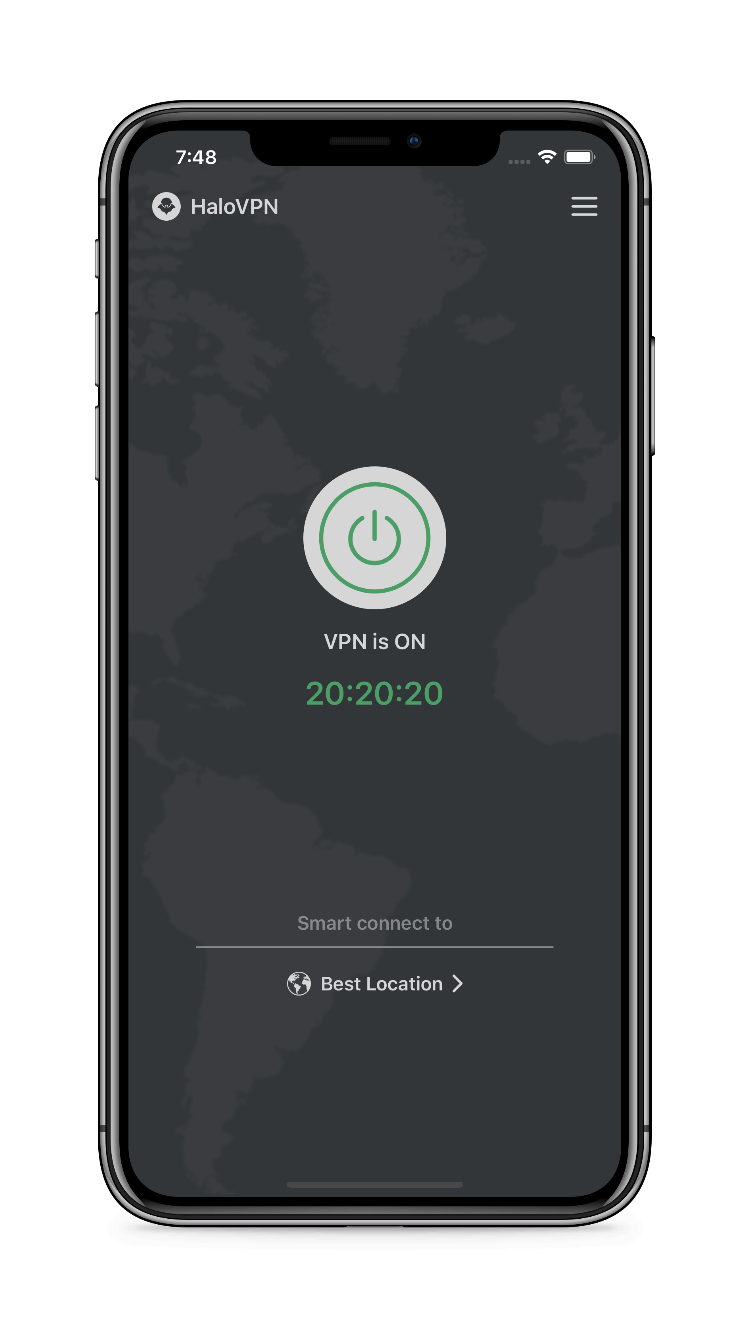
HaloVPN
Follow these steps
Complete a captive portal before starting HaloVPN on a shared network.
- Confirm the Wi-Fi network name with the venue.
- Connect with the VPN off and open the venue sign-in page.
- Complete its required sign-in or terms acceptance.
- Close the portal, then start HaloVPN.
- Test a familiar HTTPS website before opening sensitive accounts.
Check the result
Avoid portals asking for unrelated passwords or unexpected payment details. If the venue blocks VPN traffic, try mobile data. A VPN cannot establish that an access point is genuine.
When you need support
Include your device platform, app version, network type and the step that failed. Remove personal information from screenshots. Never share passwords, account tokens or recovery codes.