HaloVPN
Follow these steps
Install from the App Store and approve the iOS VPN configuration.
- Use the App Store link on the official download page.
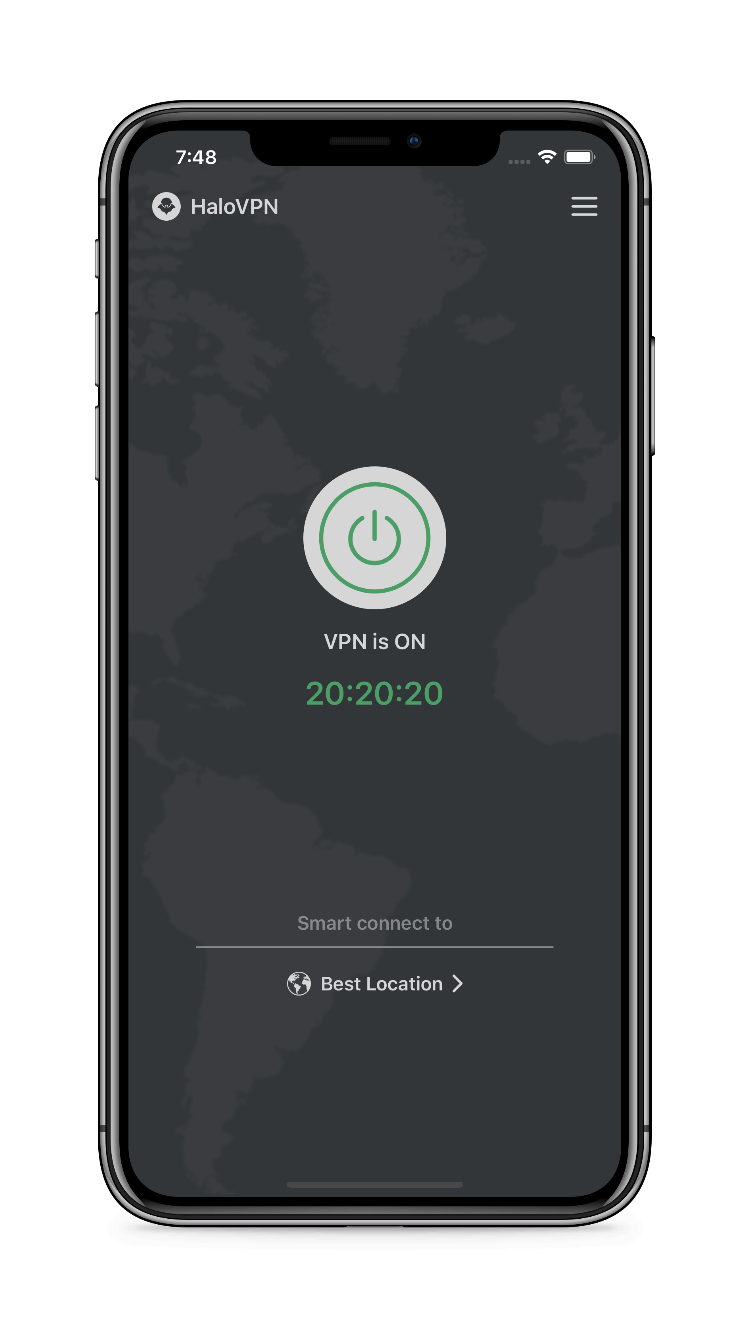
- Open HaloVPN and tap Connect.
- Read the system request to add a VPN configuration and allow it.
- Choose Smart Connect or a location and wait for connection.
- Check a familiar HTTPS website; if needed, inspect the system VPN settings.
Check the result
iOS VPN settings are different from Android app routing. Do not expect an Android-style per-app list on iPhone. Deleting the app does not cancel an Apple subscription.
When you need support
Include your device platform, app version, network type and the step that failed. Remove personal information from screenshots. Never share passwords, account tokens or recovery codes.