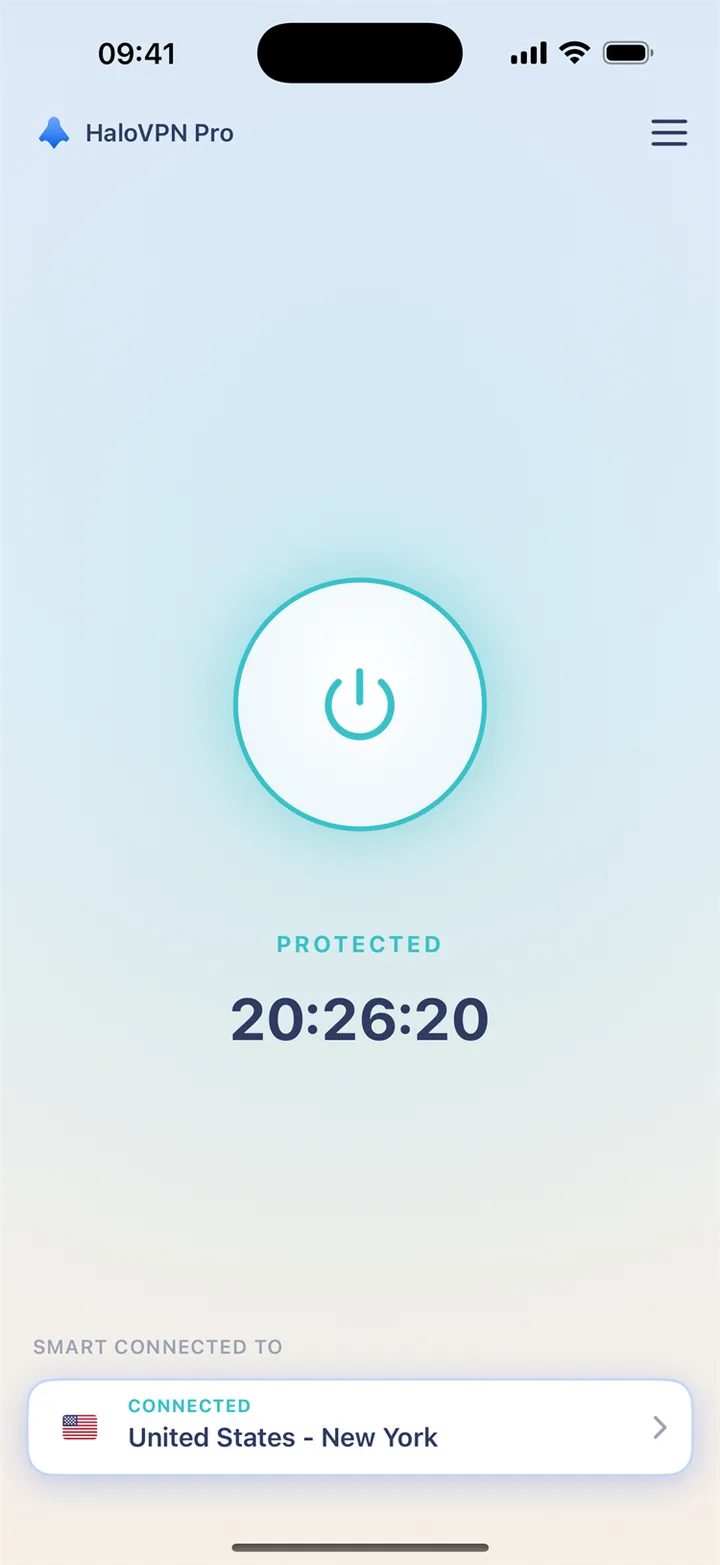
Your first iOS connection
Install from the App Store. iOS asks permission to add a VPN configuration. Use the app connection state and the system VPN settings to check the connection.
- Open HaloVPN after installation.
- Tap Connect and allow the VPN configuration.
- Use Smart Connect or choose a location.
- Complete hotel Wi-Fi sign-in before connecting.
Platform differences matter
The Android per-app selection feature is not offered here as an iOS feature. iOS manages VPN permission and background operation differently. Follow the iOS guide for your device.
Manage an Apple subscription
An App Store purchase is managed in your Apple account. Cancel renewal there; deleting HaloVPN does not cancel a subscription. Prices and trial eligibility are shown before checkout.