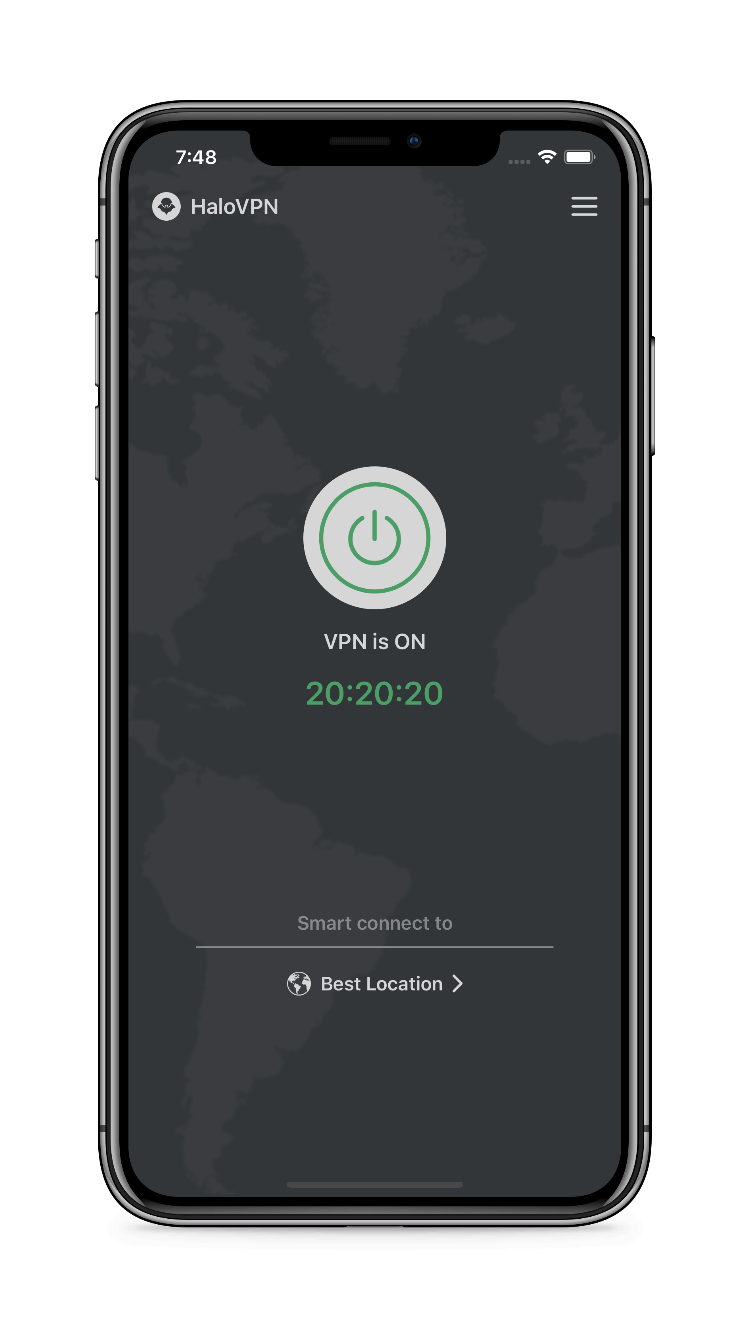
HaloVPN
Follow these steps
Check the base network, permission and location before changing advanced settings.
- Disconnect the VPN and confirm your network can load a familiar website.
- Complete any Wi-Fi portal and check that VPN permission is allowed.
- Close any other active VPN service.
- Try Smart Connect or another available location.
- Compare Wi-Fi with mobile data and record which path fails.
- Update HaloVPN from the official store and retry.
Check the result
Do not share server credentials or install unknown certificates to troubleshoot. A failed location can reflect current network restrictions; one successful test does not prove all locations work.
When you need support
Include your device platform, app version, network type and the step that failed. Remove personal information from screenshots. Never share passwords, account tokens or recovery codes.