GamingiOS & Android
Your next game starts with a connection.
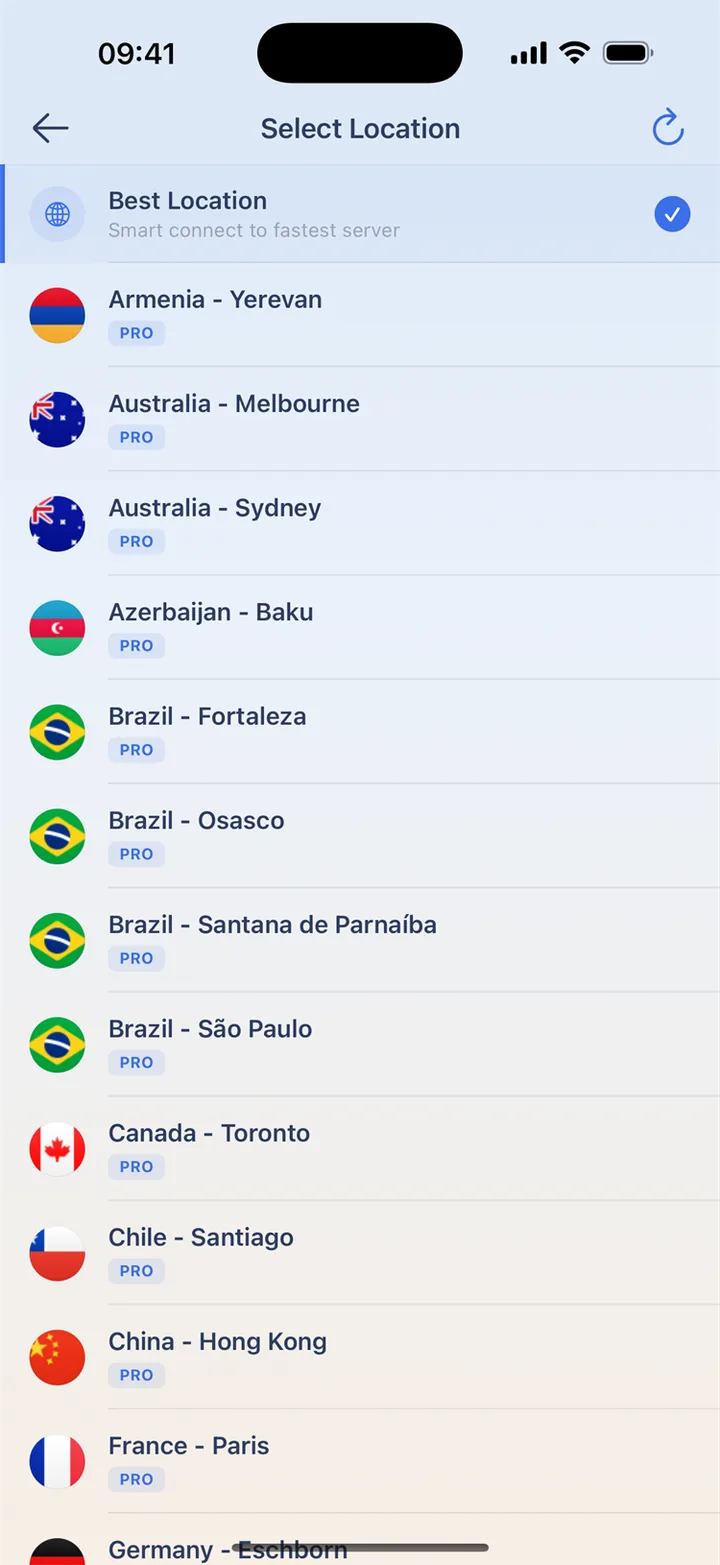
Explore new worlds, join your friends and get ready before the next match. Choose a nearby location and add connection protection when playing on shared Wi-Fi.
Find your next game
Mobile games
Roblox
Explore new worlds with your friends.
Explore the guideFree Fire
Get your connection ready before the squad joins.
Explore the guidePUBG Mobile
A little preparation before the next drop.
Explore the guideMinecraft
Build, explore and share a world of your own.
Game website (opens in a new tab)Subway Surfers
A quick escape for your everyday breaks.
Game website (opens in a new tab)Candy Crush
A colorful puzzle for your next pause.
Game website (opens in a new tab)
More games to explore
Looking for a PC or console edition? Explore the publishers below. HaloVPN currently offers mobile downloads; these links are not desktop or console VPN setup guides.
Fortnite
Explore game modes and available editions.
Game website (opens in a new tab)Call of Duty: Warzone
Find the edition for your PC or console.
Game website (opens in a new tab)PUBG: BATTLEGROUNDS
Explore the PC and console battlegrounds.
Game website (opens in a new tab)VALORANT
Discover tactical team play and supported editions.
Game website (opens in a new tab)League of Legends
Explore champions and team strategy on PC.
Game website (opens in a new tab)Counter-Strike 2
Discover the next chapter of Counter-Strike.
Game website (opens in a new tab)GTA Online
Explore the online world on your gaming platform.
Game website (opens in a new tab)EA SPORTS FC
Find your next football experience and edition.
Game website (opens in a new tab)
Get the squad together
Use the time before a session to finish updates and choose your connection. Start with a nearby location, then join a practice game before a ranked match. Compare latency and disconnects rather than judging by the connected icon alone. A route can behave differently from one network to another.
Keep your other apps in mind
On Android, choose which apps use HaloVPN. Include a game while leaving an app that needs your usual connection outside the tunnel. Apply changes and reconnect before playing. Excluded apps do not receive VPN protection. The iOS app does not offer the same per-app selection.
Get ready before you join
Choose your connection before launching the game, then try a practice session. Keep the same route during a match to avoid an interruption.
- Install HaloVPN from an official store and finish game updates.
- Connect to a nearby location before opening the game.
- Try a practice session on your usual network.
- Compare latency and disconnects; keep the connection that works best for you.
Questions, answered
Will HaloVPN lower my ping?
Not necessarily. Distance, congestion and the game’s network all matter. Compare the same network and game mode; a VPN can also add latency.
Does a VPN change my game account or matchmaking?
No. Follow the game’s rules. HaloVPN does not restore banned accounts, grant regional eligibility or guarantee a particular matchmaking pool.
Take your next step
A private connection. A clearer next step.