AppsiOS & Android
TikTok moments. A more private connection.
Watch what you love and share a moment of your own. Use HaloVPN on café, hotel or airport Wi-Fi to add a layer of protection to your phone’s connection.
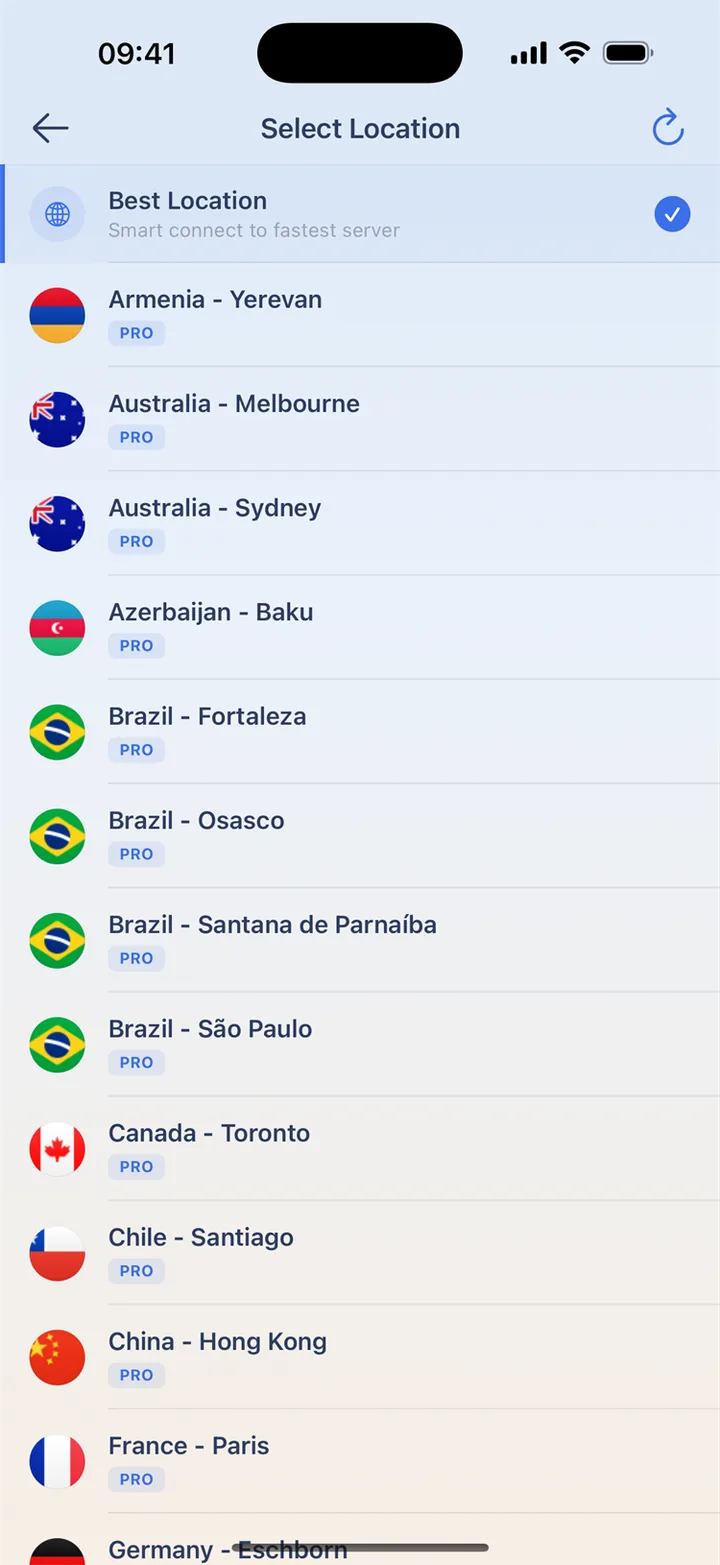
Share a moment on the go
Connect before opening TikTok on unfamiliar Wi-Fi. Keep the app open until an upload finishes and check camera, photo and microphone permissions when needed. If watching works but posting does not, check storage and permissions first, then compare the same upload on a trusted network.
Your account stays your account
HaloVPN changes the path of tunnelled traffic, not your TikTok identity, history or permissions. It does not guarantee a feed or account region. Keep account protection enabled and avoid repeated sign-ins when checking the network. Manage privacy preferences inside TikTok separately.
Your everyday connection, in a few taps
Connect before opening your favorite app on unfamiliar Wi-Fi. Keep the app’s own account protection enabled too.
- Install HaloVPN from the App Store or Google Play.
- Finish any Wi-Fi sign-in, then connect HaloVPN.
- Confirm the connected state before opening the app.
- On Android, choose app routing if you only want selected apps to use the VPN.
Questions, answered
Does a VPN make my app account anonymous?
No. The app can still recognize your signed-in account. VPN protection does not erase account history, remove permissions or replace two-step verification.
Can I choose which apps use HaloVPN?
On Android, yes: include or exclude selected apps, then reconnect. Excluded apps use the normal network without VPN protection. This per-app control is not available in HaloVPN for iOS.
Take your next step
A private connection. A clearer next step.