GamingiOS & Android
PUBG Mobile. Ready for the next drop.
Whether you play solo or with your squad, prepare your connection before the match. Add a layer of protection on shared Wi-Fi and focus on the next round.
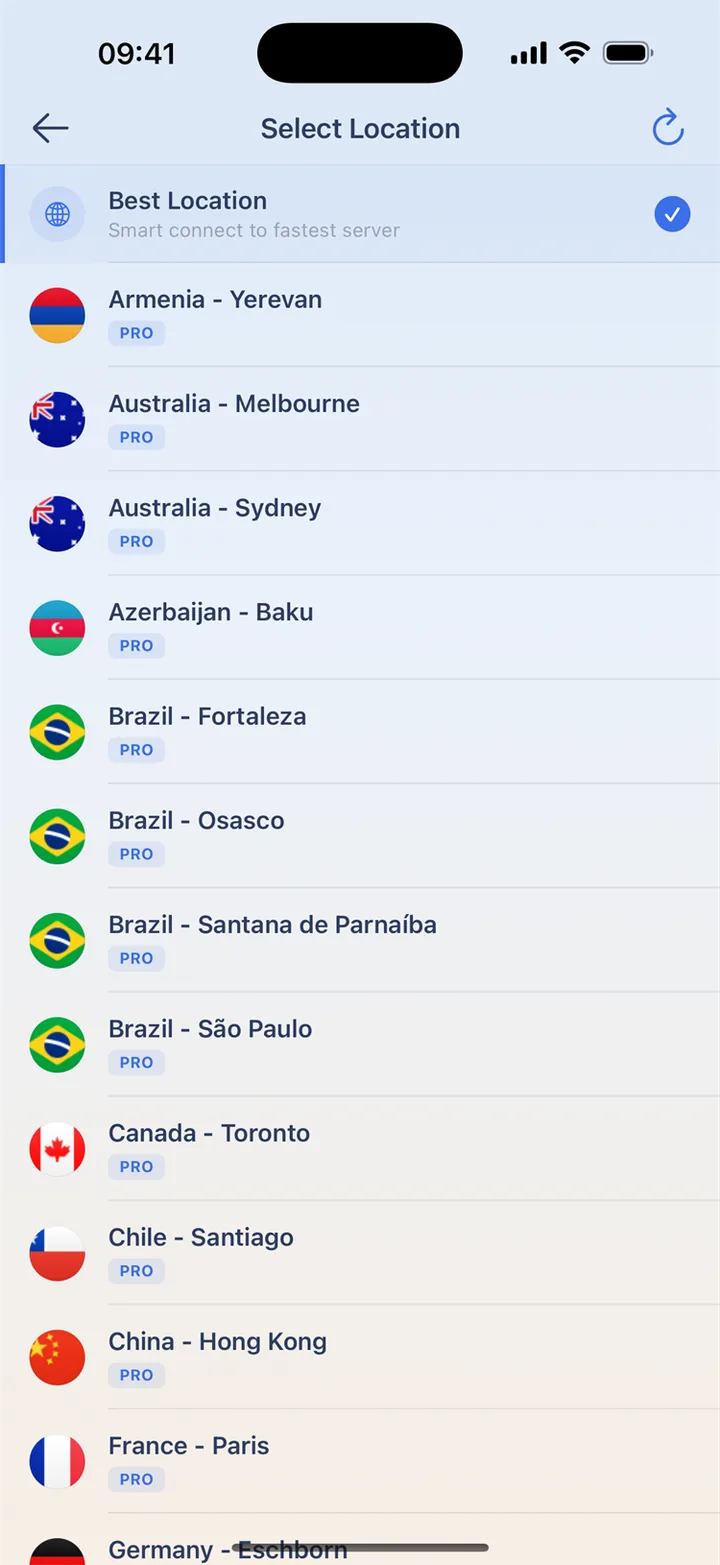
Choose before you land
Connect before opening PUBG Mobile, then compare a practice session. Keep the game region and network the same. A VPN country does not choose the game server or matchmaking pool. During a match, keep your connection in place instead of testing a new route.
Try a quick hello with the squad
Before joining friends, test voice and check microphone permission. If play works but voice does not, review game audio settings and compare on a trusted network. Voice and gameplay can behave differently; a connected icon does not confirm every game feature is available.
Get ready before you join
Choose your connection before launching the game, then try a practice session. Keep the same route during a match to avoid an interruption.
- Install HaloVPN from an official store and finish game updates.
- Connect to a nearby location before opening the game.
- Try a practice session on your usual network.
- Compare latency and disconnects; keep the connection that works best for you.
Questions, answered
Will HaloVPN lower my ping?
Not necessarily. Distance, congestion and the game’s network all matter. Compare the same network and game mode; a VPN can also add latency.
Does a VPN change my game account or matchmaking?
No. Follow the game’s rules. HaloVPN does not restore banned accounts, grant regional eligibility or guarantee a particular matchmaking pool.
Take your next step
A private connection. A clearer next step.