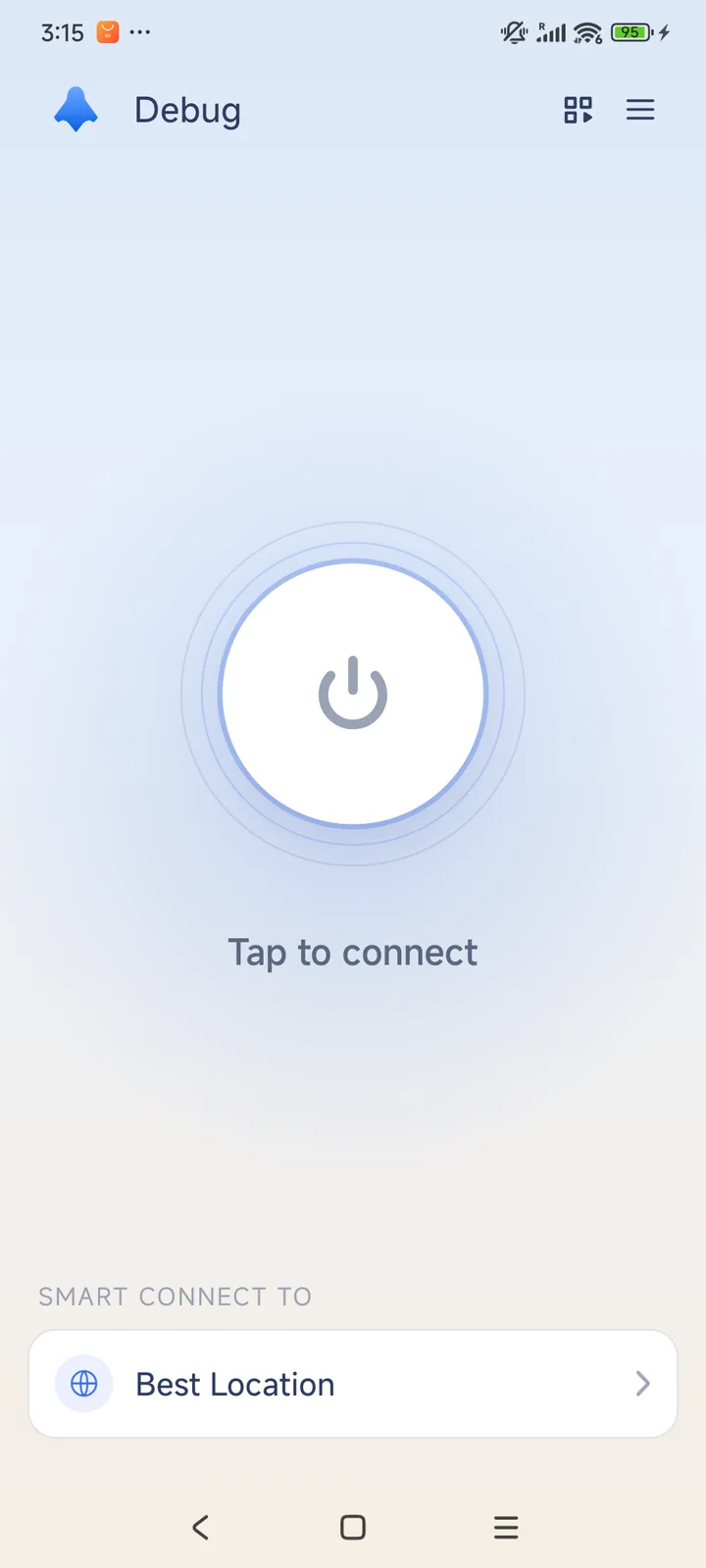
Connect on Android
The current Android source supports Android 8.0 and later. Check Google Play for compatibility with your device. System VPN permission is needed before connection.
- Install from Google Play and open HaloVPN.
- Allow the VPN permission when Android asks.
- Tap Connect or select a location.
- Check the connected state before opening other apps.
Choose which apps use the VPN
Android app routing supports including or excluding selected apps. A bypassed app uses its normal connection and does not receive tunnel protection. Apply changes before reconnecting.
If the connection stops in the background
Check battery restrictions, another VPN app and network changes. Android allows one active VPN service per user profile. Connection recovery varies by device and network.