AppsiOS & Android
WhatsApp. Keep your people close.
A quick message, a familiar voice, a moment shared from far away. Use HaloVPN on public Wi-Fi to add a layer of protection to your device’s connection.
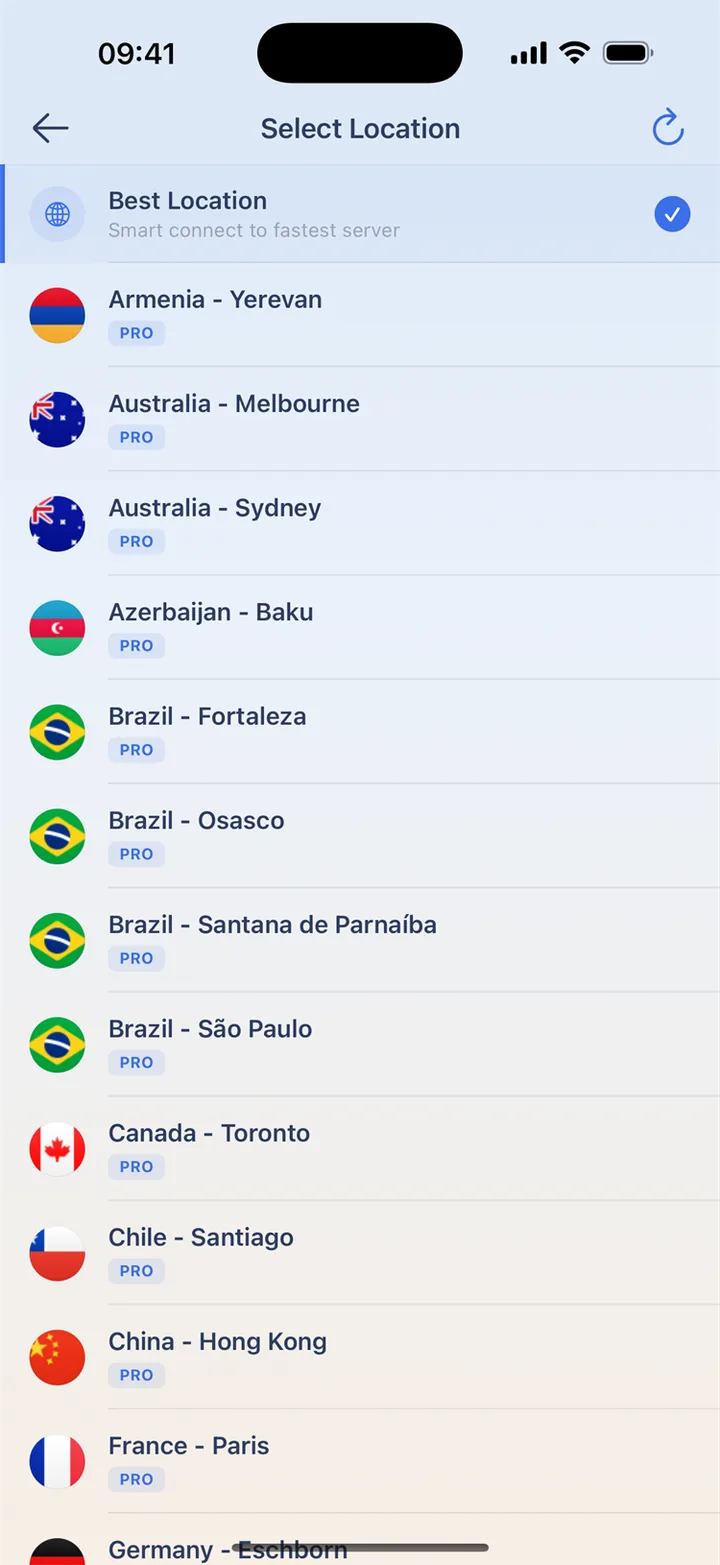
Make time for a familiar voice
Connect before opening WhatsApp on shared Wi-Fi and try a short call first. If messages arrive but calls fail, check microphone permission, audio output and both callers’ connections. Compare Wi-Fi with mobile data when possible. Changing location alone may not solve an app or device issue.
Stay in control of linked devices
Use WhatsApp’s official verification and recovery options and review linked devices in the app. HaloVPN does not provide numbers or verification codes. Keep codes private even if someone claims they are needed to repair a connection. Network and account protection work alongside each other.
Your everyday connection, in a few taps
Connect before opening your favorite app on unfamiliar Wi-Fi. Keep the app’s own account protection enabled too.
- Install HaloVPN from the App Store or Google Play.
- Finish any Wi-Fi sign-in, then connect HaloVPN.
- Confirm the connected state before opening the app.
- On Android, choose app routing if you only want selected apps to use the VPN.
Questions, answered
Does a VPN make my app account anonymous?
No. The app can still recognize your signed-in account. VPN protection does not erase account history, remove permissions or replace two-step verification.
Can I choose which apps use HaloVPN?
On Android, yes: include or exclude selected apps, then reconnect. Excluded apps use the normal network without VPN protection. This per-app control is not available in HaloVPN for iOS.
Take your next step
A private connection. A clearer next step.