StreamingiOS & Android
A little Hulu time. A protected connection.
Make time for the shows you look forward to. On shared Wi-Fi, use HaloVPN to add connection protection before settling into your next episode.
Your next episode starts here
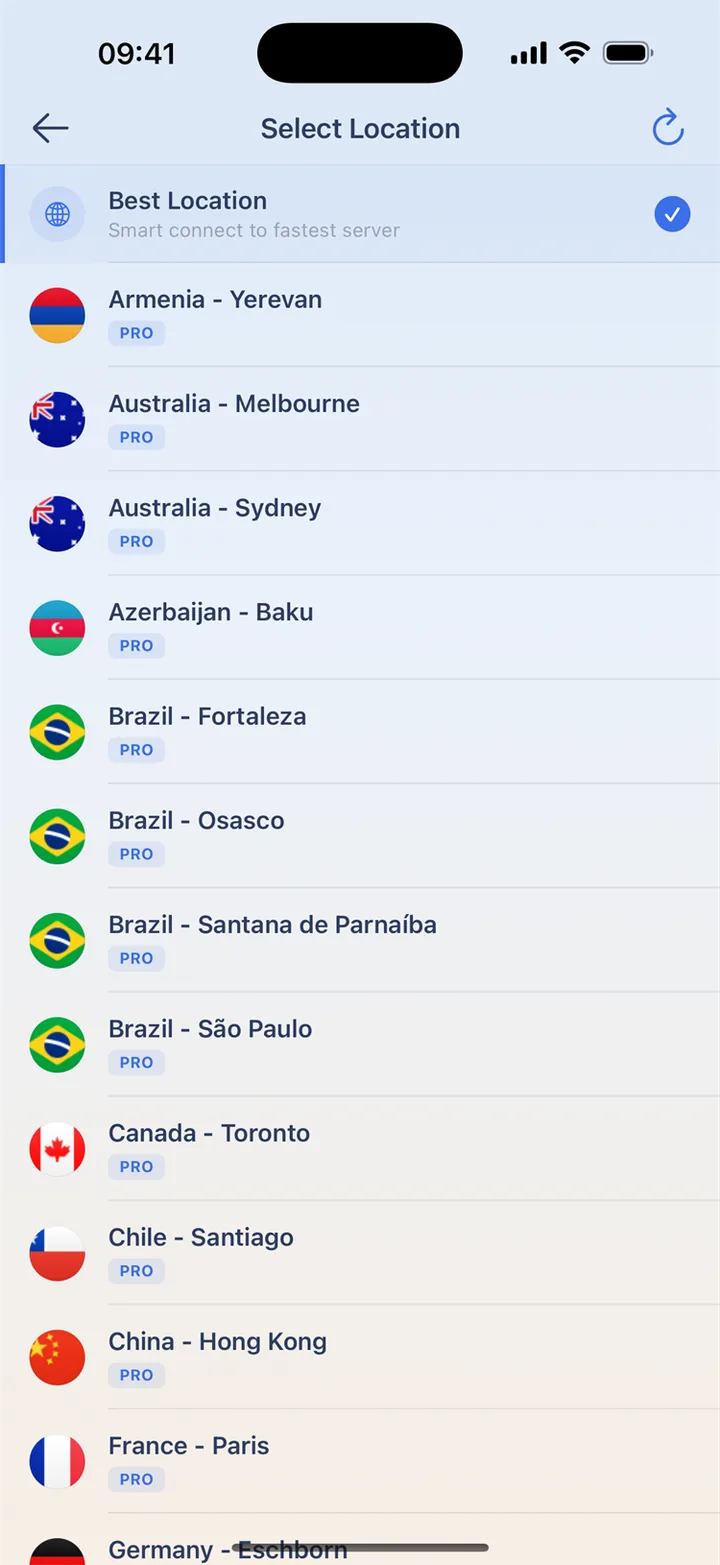
Complete Wi-Fi sign-in, connect HaloVPN and open the official Hulu app. Use your own eligible subscription. A nearby VPN location is a starting point for testing the connection; it does not grant Hulu access or replace the service’s location checks. Keep a short playback test for before you settle in.
When Hulu asks about your location
Read the exact message before adjusting anything. A location or home-network notice differs from a buffering video. Follow Hulu’s subscription instructions for the former. For buffering, pause other traffic and compare Wi-Fi with mobile data. Leave device security enabled and use the official app.
Ready for your next watch
On hotel or airport Wi-Fi, finish the network sign-in before connecting HaloVPN. Take a moment to get ready before settling into a film or episode.
- Install HaloVPN from the App Store or Google Play.
- Use Smart Connect or choose a nearby location.
- Confirm the connected state, then open your video app.
- Start a short video and choose a quality that suits the connection.
Questions, answered
Does HaloVPN include a streaming subscription?
No. Sign in with your own streaming account. Membership, purchases and viewing rights remain with that service.
Can I watch every title with a VPN?
Not necessarily. Streaming services may limit VPN connections, and catalogues vary by account and location. HaloVPN does not guarantee a specific title or regional library.
Take your next step
A private connection. A clearer next step.