StreamingiOS & Android
Your favorite stories. A more private connection.
Make room for a movie night, a new series or a little downtime on the road. Add a layer of connection protection with HaloVPN on shared Wi-Fi.
Find your next watch
Netflix
Your next episode, with a more private connection.
Explore the guidePrime Video
Movie nights and shows to take on your travels.
Explore the guideDisney+
Favorite stories, wherever your day takes you.
Explore the guideHulu
Make time for the shows you look forward to.
Explore the guideHBO Max
Explore HBO stories and former BluTV favorites.
Official website (opens in a new tab)Apple TV
Original stories for a little downtime.
Official website (opens in a new tab)Exxen
Discover something new for your watchlist.
Official website (opens in a new tab)OSNtv
Explore TV and entertainment for your home.
Official website (opens in a new tab)STARZPLAY
Find a new favorite for your evening.
Official website (opens in a new tab)Shahid
Arabic stories and everyday entertainment.
Official website (opens in a new tab)OSN+
Build a watchlist for your next quiet evening.
Official website (opens in a new tab)
Settle in, even when you are away
Hotel lounges, airport waits and café breaks can all become a little downtime. Finish Wi-Fi sign-in, connect HaloVPN, then open your video app. Traffic in the VPN tunnel is encrypted between your device and the VPN server. Your streaming service still manages your account and content.
A connection that fits your evening
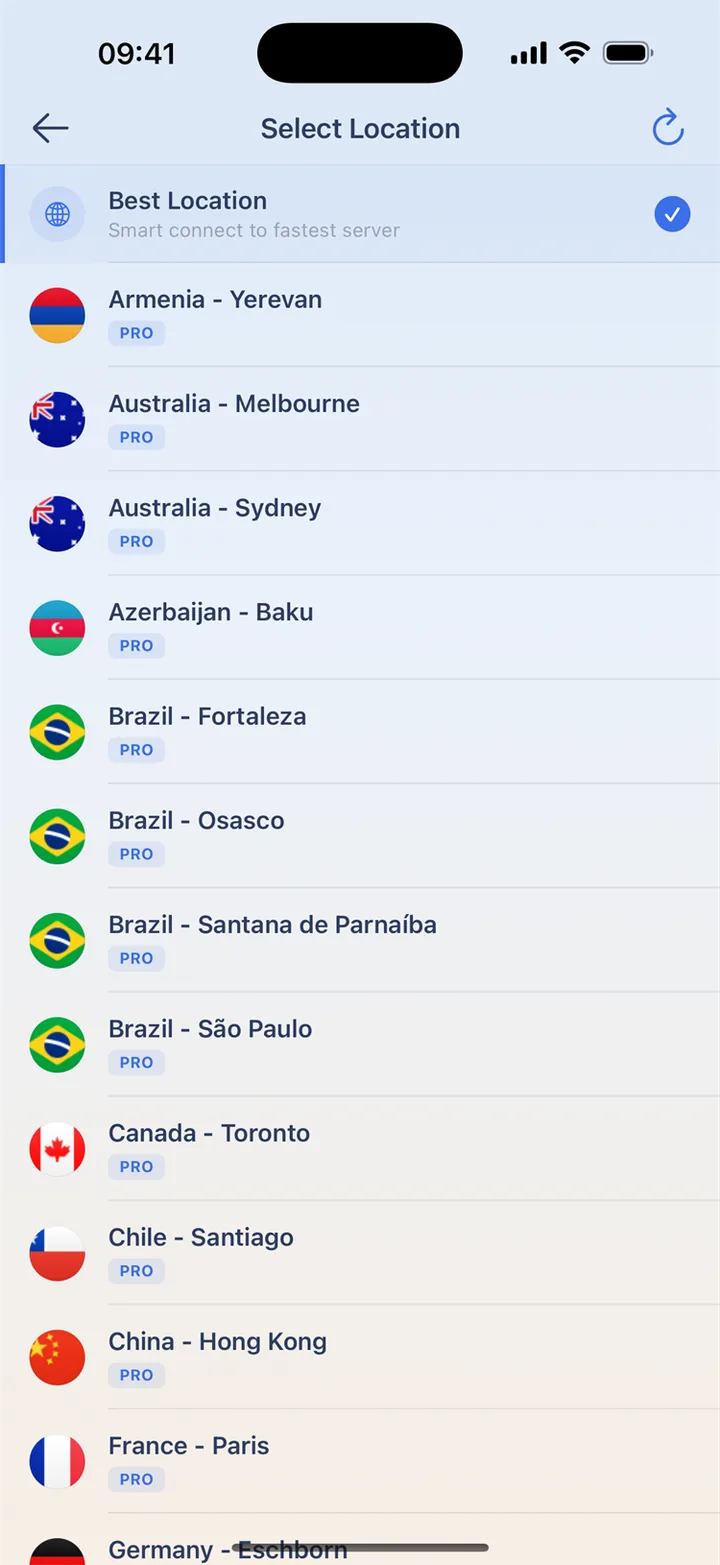
Start with Smart Connect or a nearby city. Let a short clip play before choosing a higher quality. If playback struggles, pause other downloads or try another nearby location. Your network and the video service both affect playback, so choose based on what works on your device.
Ready for your next watch
On hotel or airport Wi-Fi, finish the network sign-in before connecting HaloVPN. Take a moment to get ready before settling into a film or episode.
- Install HaloVPN from the App Store or Google Play.
- Use Smart Connect or choose a nearby location.
- Confirm the connected state, then open your video app.
- Start a short video and choose a quality that suits the connection.
Questions, answered
Does HaloVPN include a streaming subscription?
No. Sign in with your own streaming account. Membership, purchases and viewing rights remain with that service.
Can I watch every title with a VPN?
Not necessarily. Streaming services may limit VPN connections, and catalogues vary by account and location. HaloVPN does not guarantee a specific title or regional library.
Take your next step
A private connection. A clearer next step.