GamingiOS & Android
Free Fire. Ready before the squad joins.
Get ready for the next match, from the lobby to the first landing. Choose your connection in advance and use Android app routing to decide which apps use HaloVPN.
Use the lobby time well
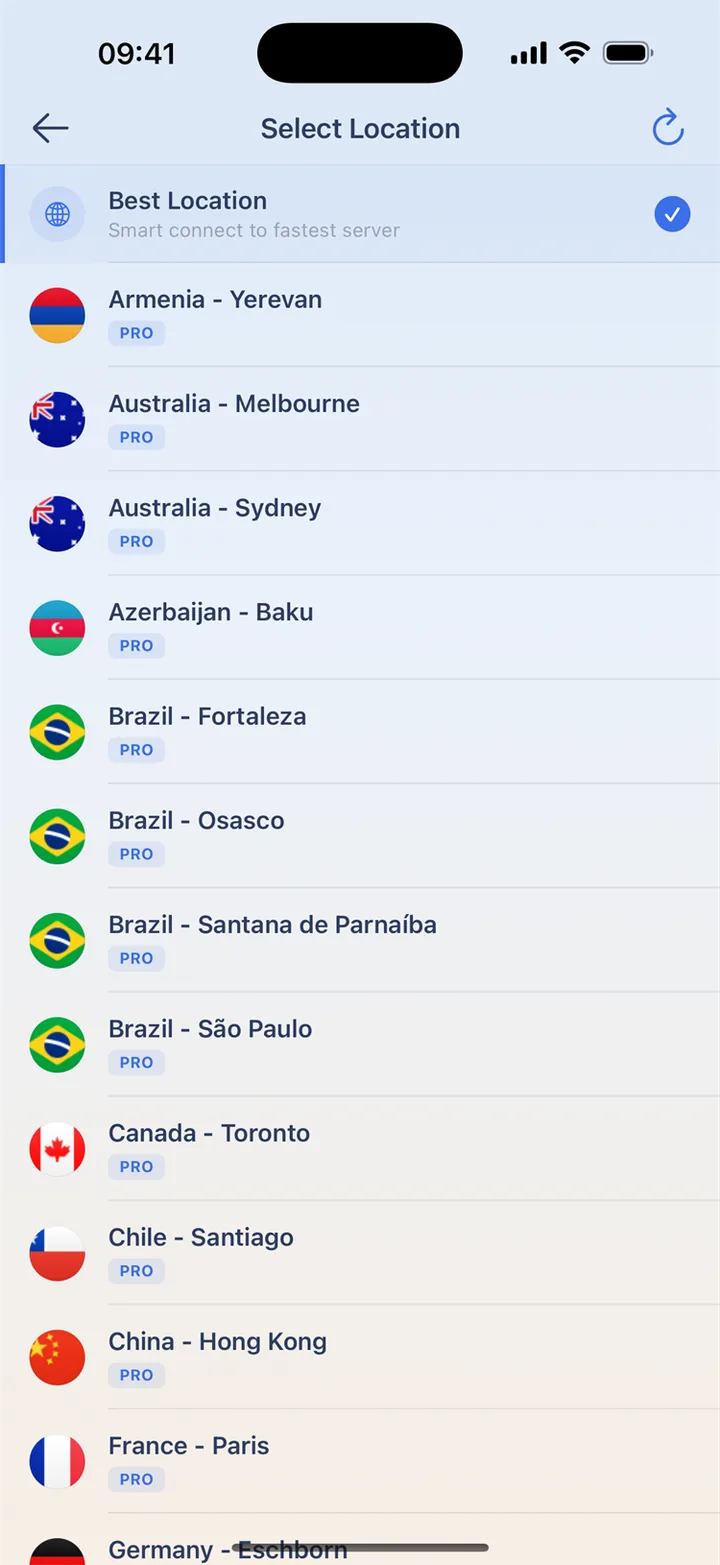
Finish game resource downloads before your team starts. Connect to a nearby location and try practice, noting delay and disconnects. Keep the network and game mode the same when comparing. Once the squad is ready, avoid changing cities mid-match; reconnecting can interrupt play.
Make room for your other apps
On Android, include Free Fire in app routing if you want it to use the VPN. Excluded apps keep the normal connection. Apply changes and reconnect before launching the game. If the VPN stops in the background, review battery restrictions and other active VPN apps. iOS does not offer this per-app selection.
Get ready before you join
Choose your connection before launching the game, then try a practice session. Keep the same route during a match to avoid an interruption.
- Install HaloVPN from an official store and finish game updates.
- Connect to a nearby location before opening the game.
- Try a practice session on your usual network.
- Compare latency and disconnects; keep the connection that works best for you.
Questions, answered
Will HaloVPN lower my ping?
Not necessarily. Distance, congestion and the game’s network all matter. Compare the same network and game mode; a VPN can also add latency.
Does a VPN change my game account or matchmaking?
No. Follow the game’s rules. HaloVPN does not restore banned accounts, grant regional eligibility or guarantee a particular matchmaking pool.
Take your next step
A private connection. A clearer next step.