GamingiOS & Android
Roblox worlds, explored together.
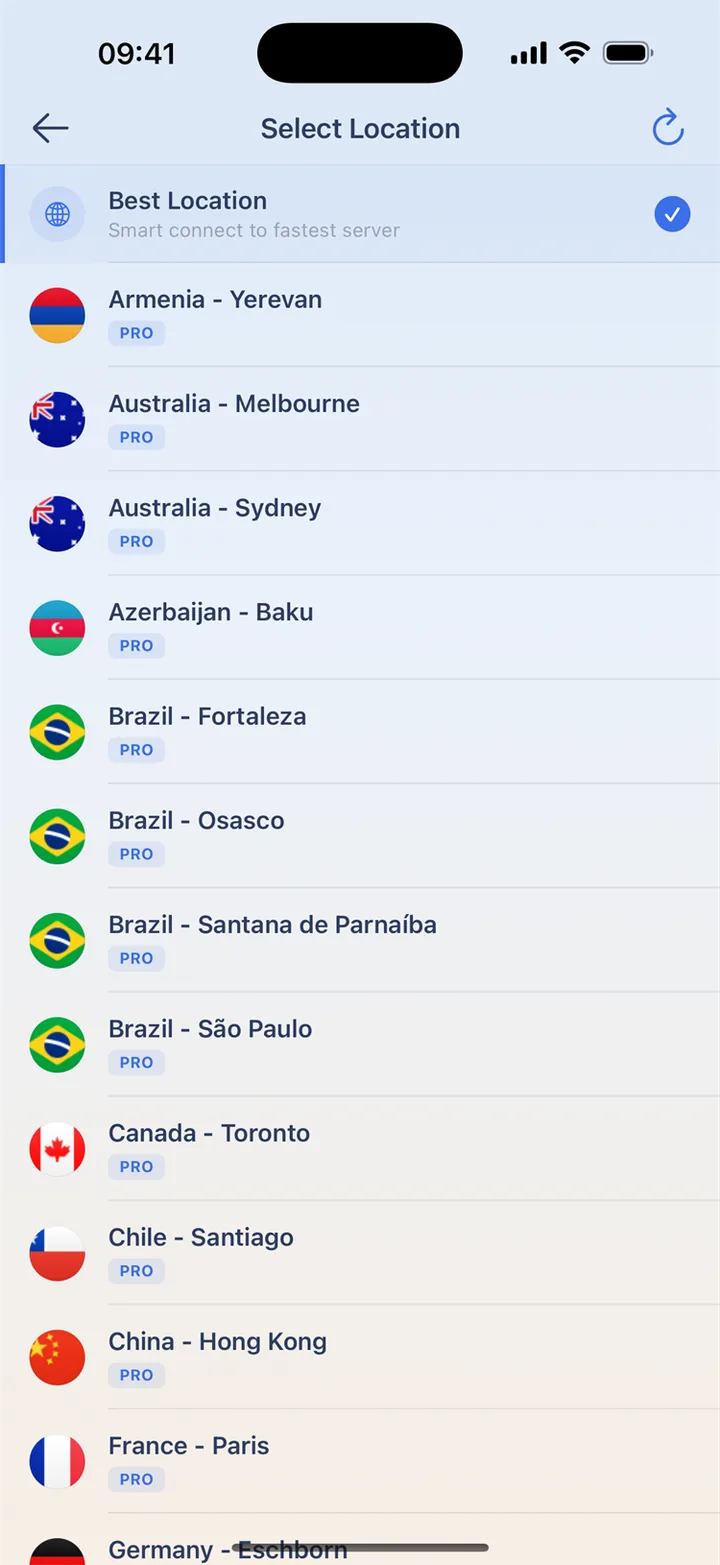
Join your friends and discover your next favorite experience. Choose a nearby HaloVPN location before playing on shared Wi-Fi, and add a layer of connection protection.
Meet up in the same experience
Pick an experience, connect HaloVPN and join your friends. For a useful comparison, keep the experience, device and network the same. Roblox experiences can behave differently, so unrelated worlds are not a clear measure of the connection. Leave and rejoin before testing another location.
Keep your account yours
Use the official app and keep recovery details current. If a login or moderation notice stops you, follow Roblox account help rather than repeatedly changing VPN cities. Never share a password or verification code with someone offering connection help. Network protection does not replace account safeguards.
Get ready before you join
Choose your connection before launching the game, then try a practice session. Keep the same route during a match to avoid an interruption.
- Install HaloVPN from an official store and finish game updates.
- Connect to a nearby location before opening the game.
- Try a practice session on your usual network.
- Compare latency and disconnects; keep the connection that works best for you.
Questions, answered
Will HaloVPN lower my ping?
Not necessarily. Distance, congestion and the game’s network all matter. Compare the same network and game mode; a VPN can also add latency.
Does a VPN change my game account or matchmaking?
No. Follow the game’s rules. HaloVPN does not restore banned accounts, grant regional eligibility or guarantee a particular matchmaking pool.
Take your next step
A private connection. A clearer next step.