AppsiOS & Android
Telegram conversations. Your connection, protected.
Catch up with friends, follow your channels and share what interests you. Add a layer of network protection with HaloVPN when using shared Wi-Fi.
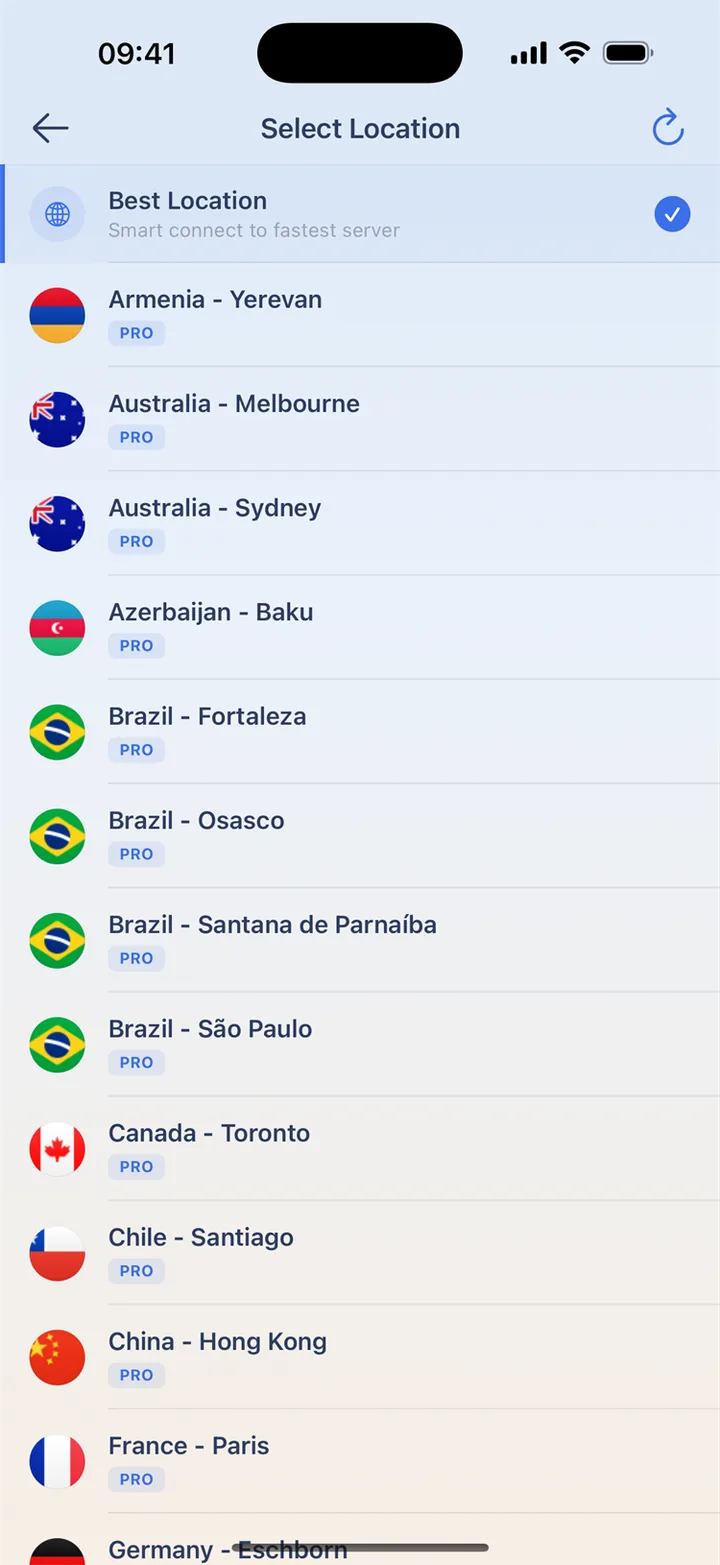
Stay part of the conversation
Connect HaloVPN before opening Telegram on unfamiliar Wi-Fi. Messages, channels and files still use Telegram’s own features. The VPN protects tunnelled traffic, while Telegram controls the chat type. It distinguishes Cloud Chats from Secret Chats; a VPN does not turn one into the other.
Keep your login code to yourself
Enable Telegram’s account protection and keep recovery details current. Follow its official login flow and never forward a code to someone offering connection support. Changing VPN locations cannot recover a lost account. Use Telegram’s official help if access to your account is the issue.
Your everyday connection, in a few taps
Connect before opening your favorite app on unfamiliar Wi-Fi. Keep the app’s own account protection enabled too.
- Install HaloVPN from the App Store or Google Play.
- Finish any Wi-Fi sign-in, then connect HaloVPN.
- Confirm the connected state before opening the app.
- On Android, choose app routing if you only want selected apps to use the VPN.
Questions, answered
Does a VPN make my app account anonymous?
No. The app can still recognize your signed-in account. VPN protection does not erase account history, remove permissions or replace two-step verification.
Can I choose which apps use HaloVPN?
On Android, yes: include or exclude selected apps, then reconnect. Excluded apps use the normal network without VPN protection. This per-app control is not available in HaloVPN for iOS.
Take your next step
A private connection. A clearer next step.