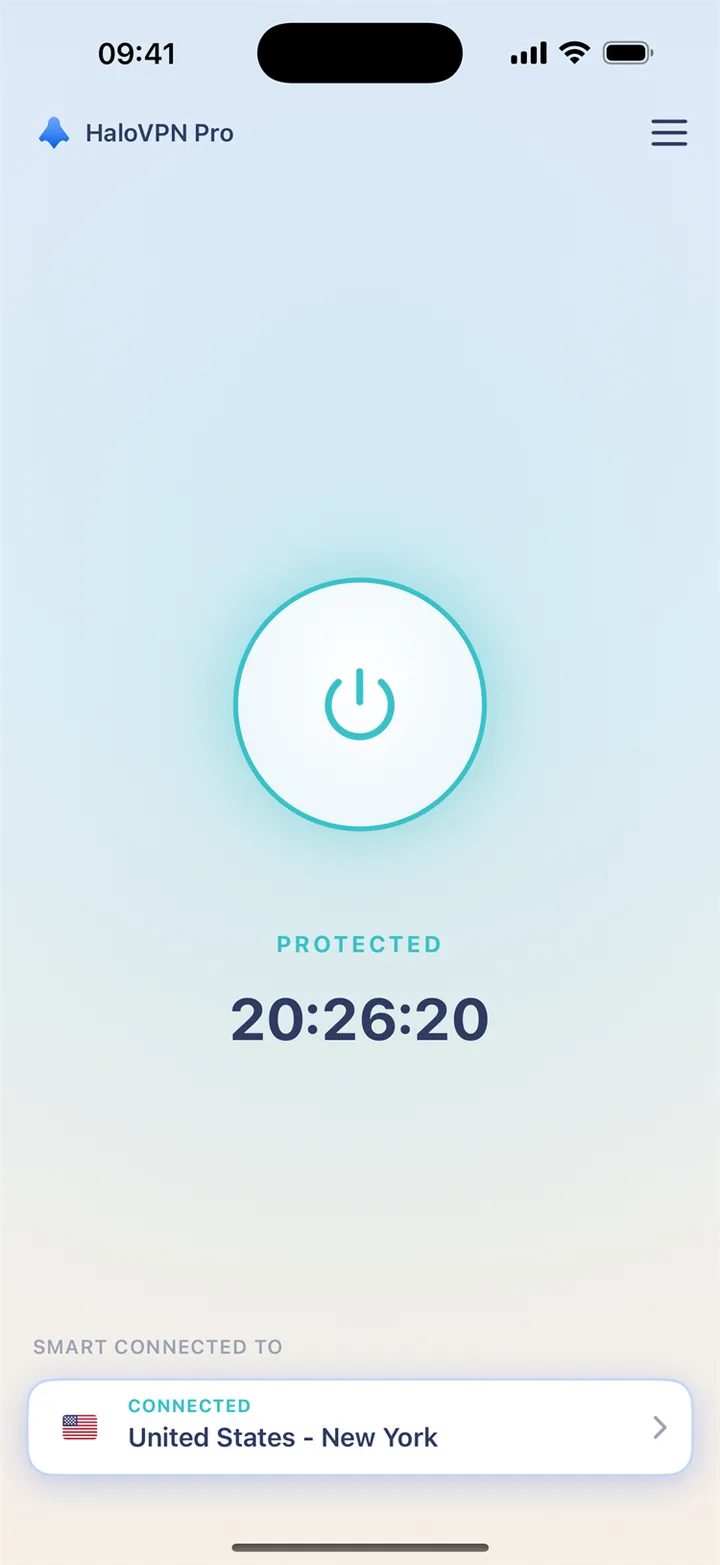
iPhone and iPad
Install HaloVPN from the App Store. Accept the system VPN permission when prompted, connect and confirm the connected state before opening your app. HaloVPN on iOS does not offer per-app routing.
GamingiOS & Android
A quick match with friends deserves a connection chosen before the timer starts. Use HaloVPN on shared Wi-Fi and try a short practice before you join.
Finish updates, connect and try practice before the team queues. A short game leaves little room for reconnecting, so keep your connection unchanged during play.
A network warning and a stuttering picture are different clues. Compare the same mode on the same network, and check the phone’s graphics and temperature separately.
HaloVPN encrypts the traffic it carries between your device and the VPN server. Add a layer of protection before settling in on hotel, airport or café Wi-Fi.
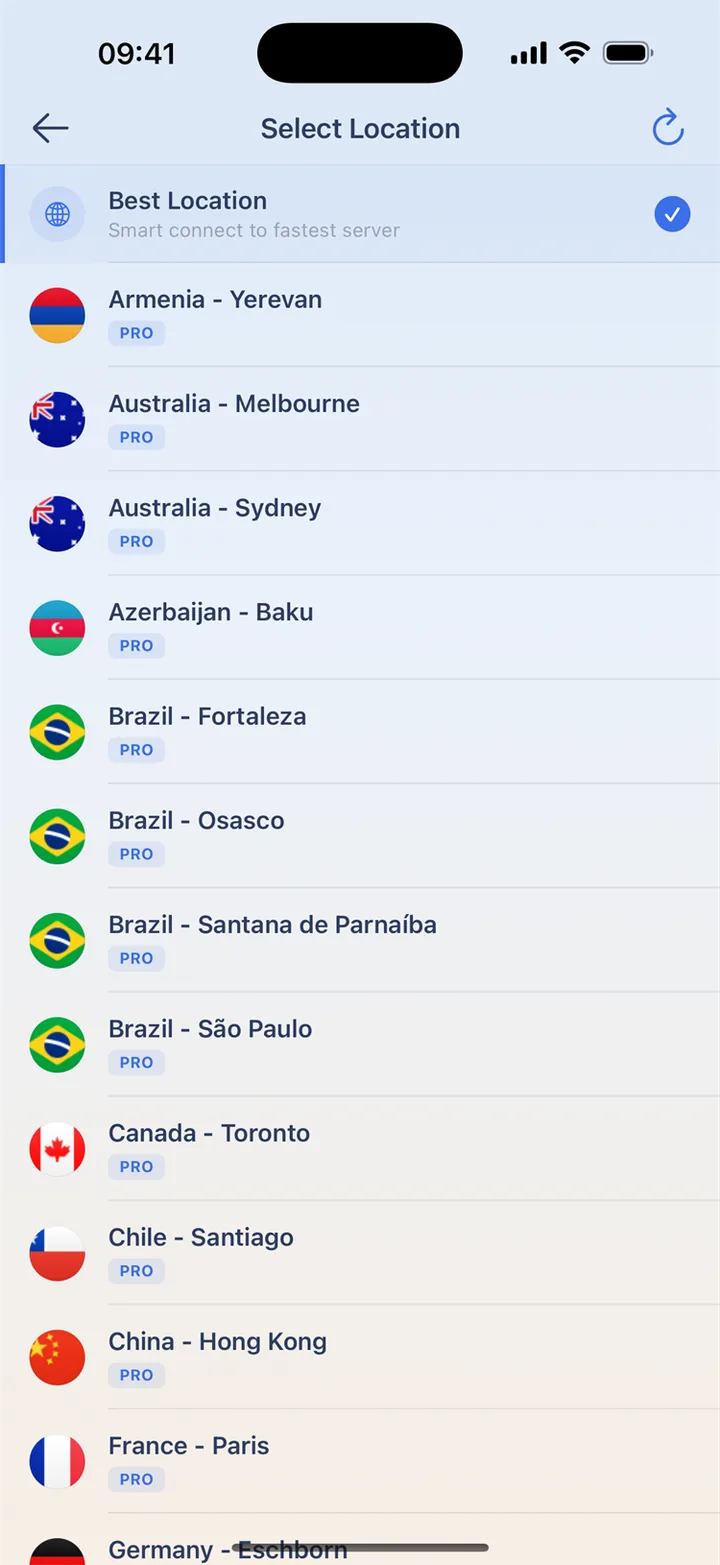
Explore countries and cities in the location directory. Start with Smart Connect or a nearby location, and use Pro for additional paid locations.
Explore countries and citiesChoose which apps use HaloVPN with Android app routing. Keep your video or game app included when you want its traffic carried through the VPN.
Install HaloVPN and the official Brawl Stars app. Finish the game update before inviting friends.
Connect with Smart Connect or a nearby location. On Android, include Brawl Stars in app routing if enabled.
Check movement and connection warnings before a real match. Keep the same route until the round ends.
Finish updates and any Wi-Fi sign-in before connecting. Choose your route before a match, not during it. A VPN may increase latency; compare on the same network and follow the game’s rules.
Install HaloVPN from the App Store. Accept the system VPN permission when prompted, connect and confirm the connected state before opening your app. HaloVPN on iOS does not offer per-app routing.
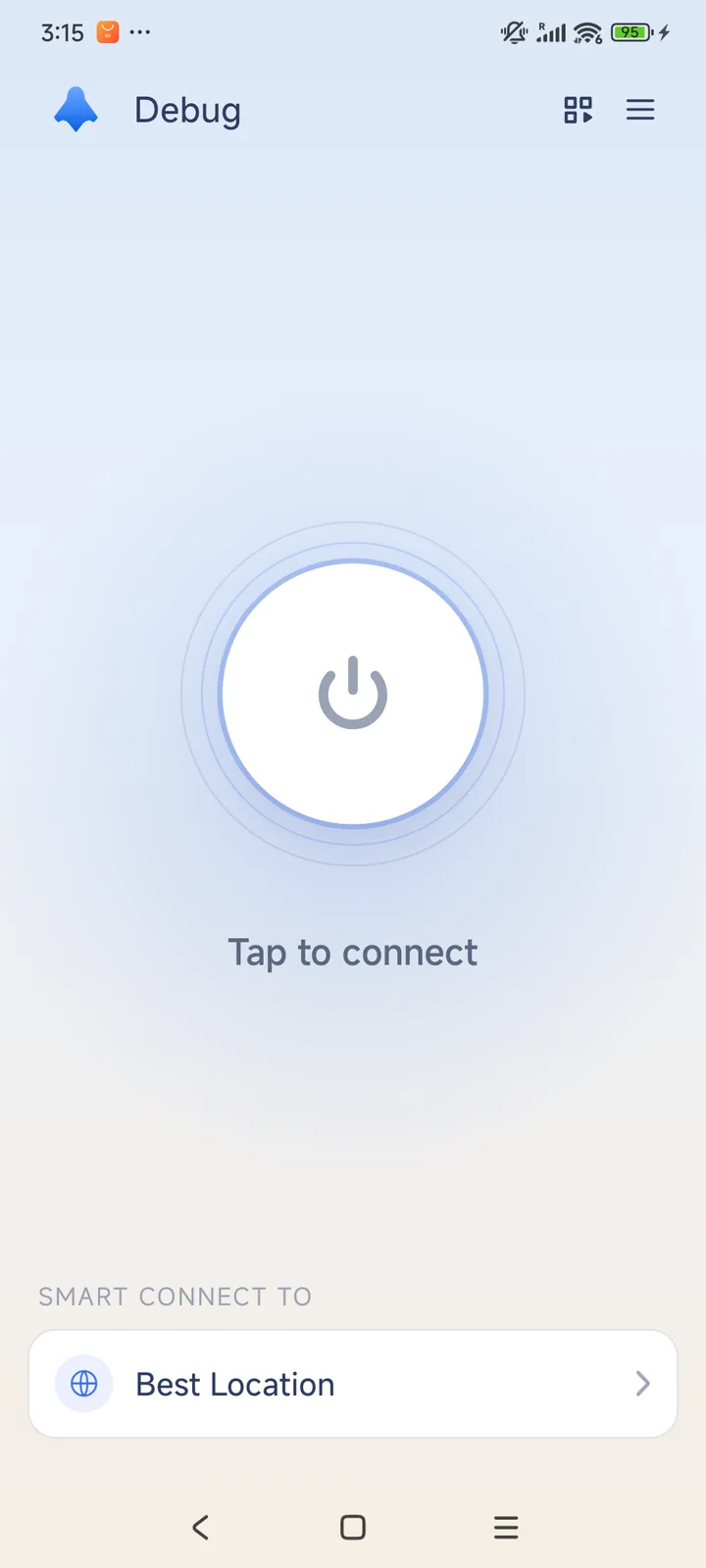
Install HaloVPN from Google Play and accept the system VPN request. If you use app routing, include the video or game app, apply your changes and reconnect. Excluded apps use the normal connection without VPN protection.
Pause other downloads and check the game’s official service notices. Compare on a trusted network between matches, not while a round is running.
Check graphics settings, device heat and background apps. More network bandwidth does not automatically fix low frame rate.
Use the in-game help and official Supercell account or purchase support. Do not share login codes; VPN locations do not restore accounts or purchased items.
No. Use device and graphics settings for frame-rate problems. HaloVPN changes the connection path, not the game’s rendering performance.
Not always. Your network, the distance to the VPN and game servers, and congestion all affect the result. Compare the same game mode and network before deciding; a VPN can also add delay.
No. HaloVPN does not remove suspensions, change account eligibility or guarantee a matchmaking region. Use the game’s official account and support options, and follow its rules.
Get HaloVPN for iOS or Android, choose your connection and make time for what you enjoy.
A private connection. A clearer next step.