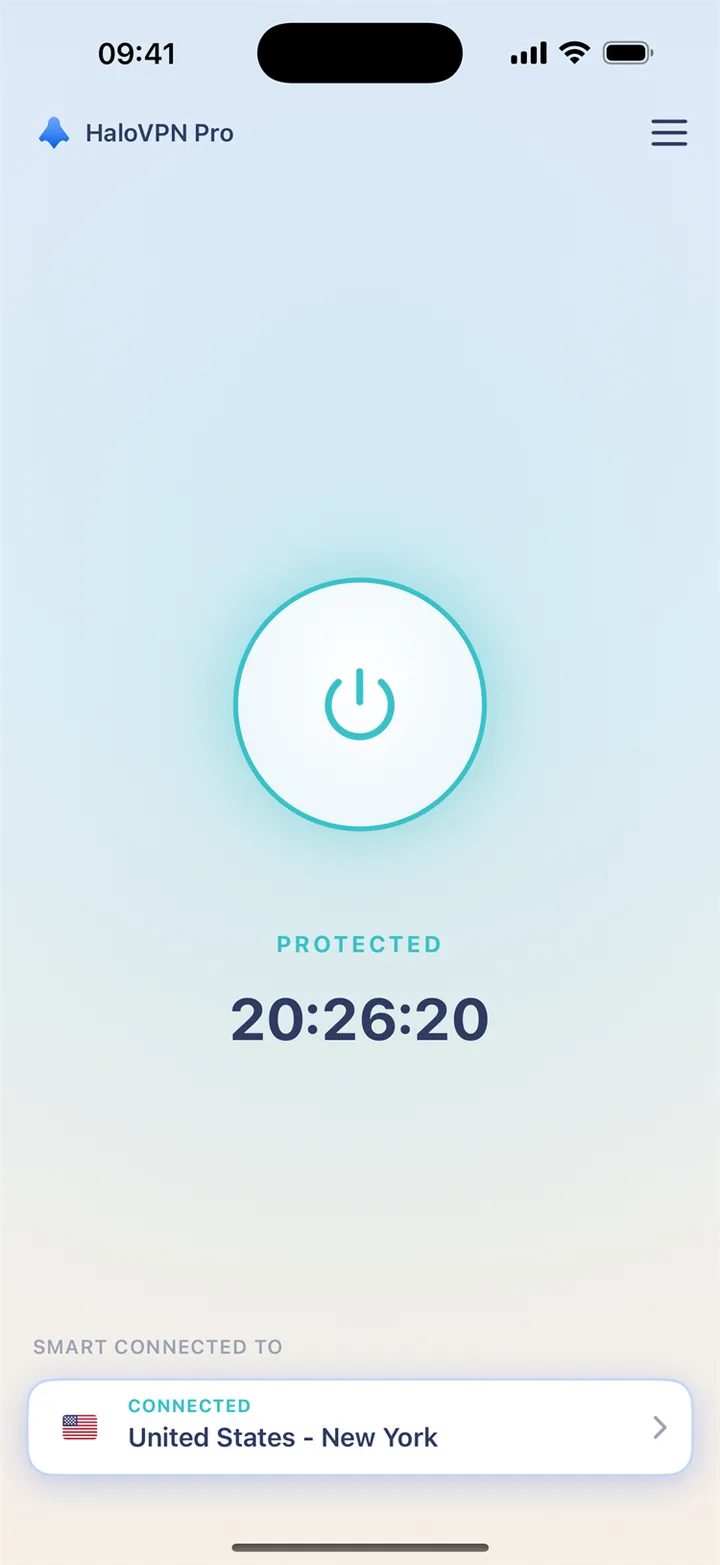
iPhone and iPad
Install HaloVPN from the App Store. Accept the system VPN permission when prompted, connect and confirm the connected state before opening your app. HaloVPN on iOS does not offer per-app routing.
GamingiOS & Android
Build your deck and get your connection ready before the next battle. Add a layer of protection on shared Wi-Fi with HaloVPN, then focus on your next move.
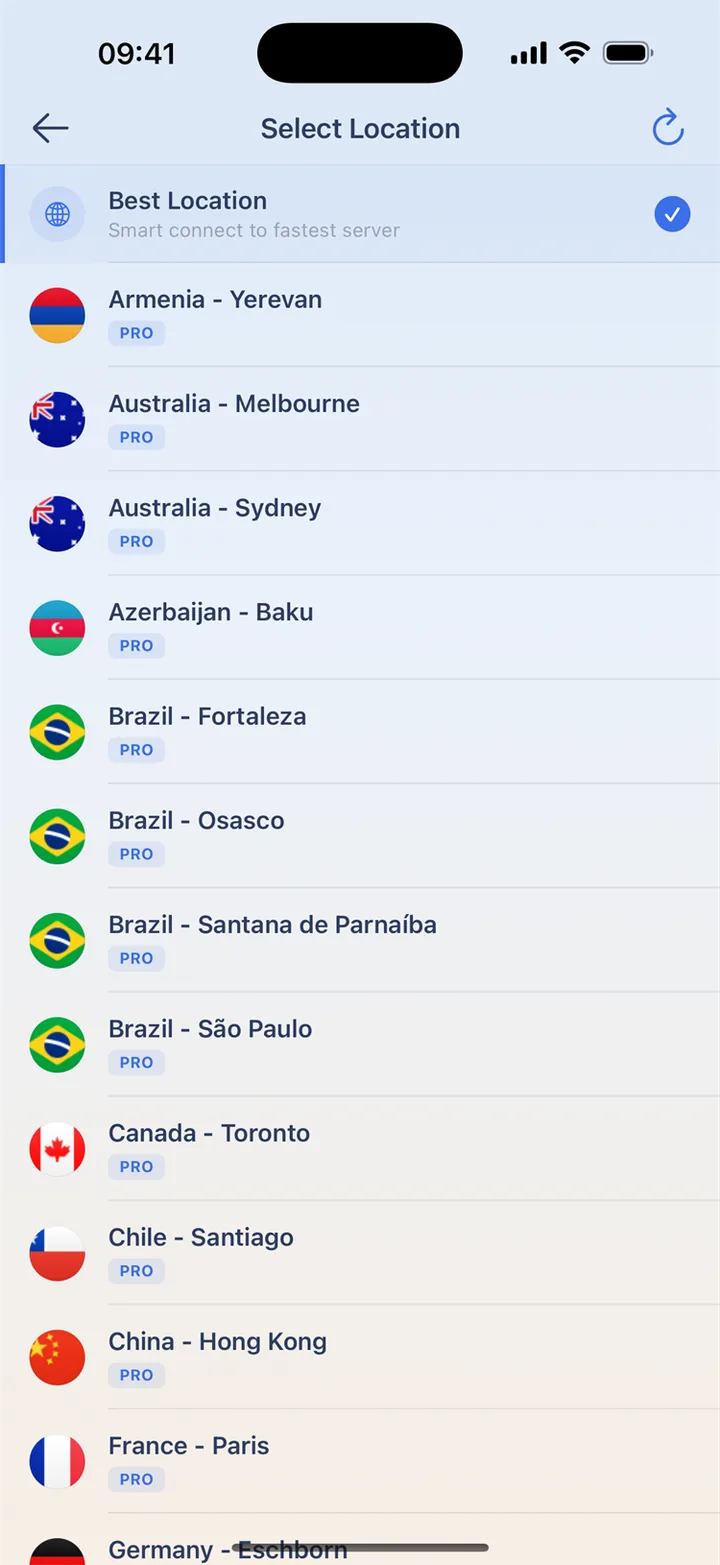
Choose a connection before you queue, and finish updates while you are still out of a match. Once a battle starts, avoid switching Wi-Fi or VPN locations.
A win or loss is not a speed test. Compare response and disconnects in a low-stakes session with the same network before deciding which route to keep.
HaloVPN encrypts the traffic it carries between your device and the VPN server. Add a layer of protection before settling in on hotel, airport or café Wi-Fi.
Explore countries and cities in the location directory. Start with Smart Connect or a nearby location, and use Pro for additional paid locations.
Explore countries and citiesChoose which apps use HaloVPN with Android app routing. Keep your video or game app included when you want its traffic carried through the VPN.
Get HaloVPN and the official Clash Royale app. Check that you can access your normal game account.
Choose Smart Connect or a nearby location. Include Clash Royale in Android app routing if you use it.
Test response before ranked play. Wait until the battle ends before comparing another route or network.
Finish updates and any Wi-Fi sign-in before connecting. Choose your route before a match, not during it. A VPN may increase latency; compare on the same network and follow the game’s rules.
Install HaloVPN from the App Store. Accept the system VPN permission when prompted, connect and confirm the connected state before opening your app. HaloVPN on iOS does not offer per-app routing.
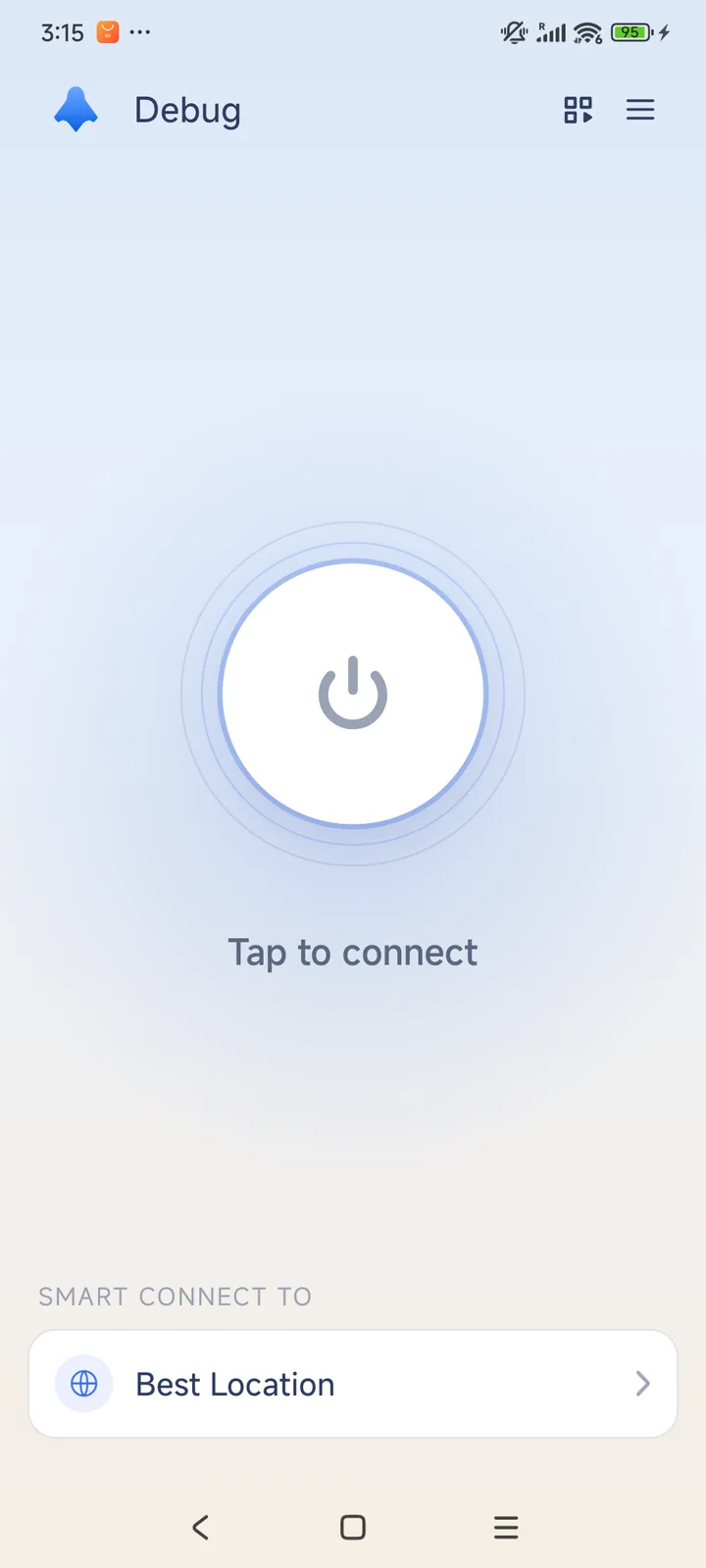
Install HaloVPN from Google Play and accept the system VPN request. If you use app routing, include the video or game app, apply your changes and reconnect. Excluded apps use the normal connection without VPN protection.
Pause downloads, check the connection signal and compare on the same network between battles. Do not repeatedly switch routes during a live match.
Check the official service notices, app version and free storage. Confirm your account recovery method before reinstalling or clearing game data.
Use Supercell’s official account and purchase support. A VPN does not transfer progress, change ownership or restore a transaction.
It does not grant cards, change your account or guarantee opponents. Follow the game’s own rules and use your usual account.
Not always. Your network, the distance to the VPN and game servers, and congestion all affect the result. Compare the same game mode and network before deciding; a VPN can also add delay.
No. HaloVPN does not remove suspensions, change account eligibility or guarantee a matchmaking region. Use the game’s official account and support options, and follow its rules.
Get HaloVPN for iOS or Android, choose your connection and make time for what you enjoy.
A private connection. A clearer next step.