StreamingiOS & Android
Prime Video. A little movie time in your day.
A new film, a favorite series or a quiet evening away from home. Add connection protection with HaloVPN on shared Wi-Fi and prepare your watchlist before you travel.
Prepare a watchlist before you leave
In the official Prime Video mobile app, look for the download option on eligible titles. Finish downloads before departure and check remaining viewing time and storage in the app. Offline viewing is a Prime Video feature, not a HaloVPN benefit; availability and expiry depend on the title and account.
For the evenings you stream
Finish hotel Wi-Fi sign-in before connecting HaloVPN. Open Prime Video and test a short scene at a suitable quality. For a purchase, rental or account notice, check the title details and official help. A VPN does not add a rental, extend a download or guarantee the same catalogue abroad.
Ready for your next watch
On hotel or airport Wi-Fi, finish the network sign-in before connecting HaloVPN. Take a moment to get ready before settling into a film or episode.
- Install HaloVPN from the App Store or Google Play.
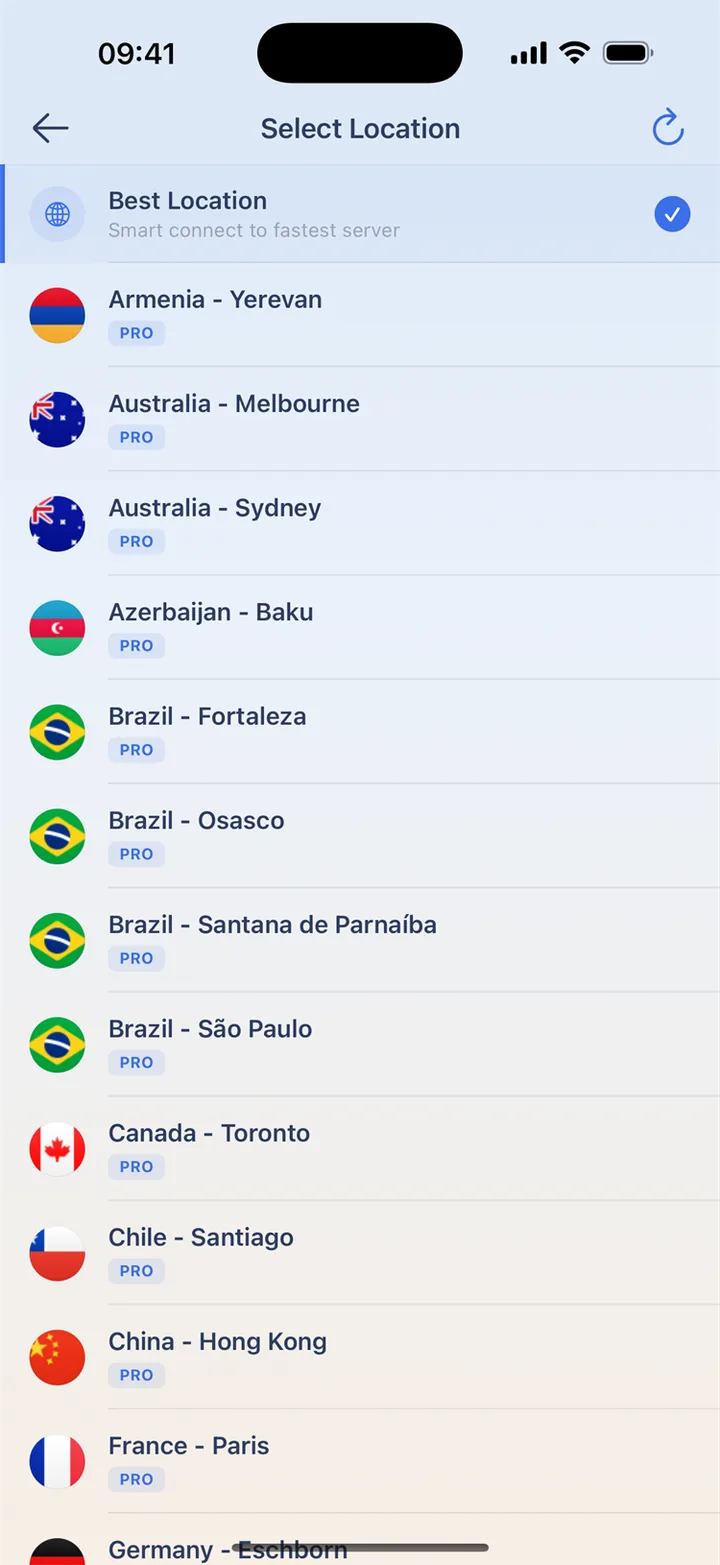
- Use Smart Connect or choose a nearby location.
- Confirm the connected state, then open your video app.
- Start a short video and choose a quality that suits the connection.
Questions, answered
Does HaloVPN include a streaming subscription?
No. Sign in with your own streaming account. Membership, purchases and viewing rights remain with that service.
Can I watch every title with a VPN?
Not necessarily. Streaming services may limit VPN connections, and catalogues vary by account and location. HaloVPN does not guarantee a specific title or regional library.
Take your next step
A private connection. A clearer next step.